Prerequisites & Limits
An email address (or a Google or Apple account) and a mobile number you can receive codes on.
Mochatrade is available to residents of India.
Minimum age: 18 years.
One account per person.
Step-by-Step Navigation
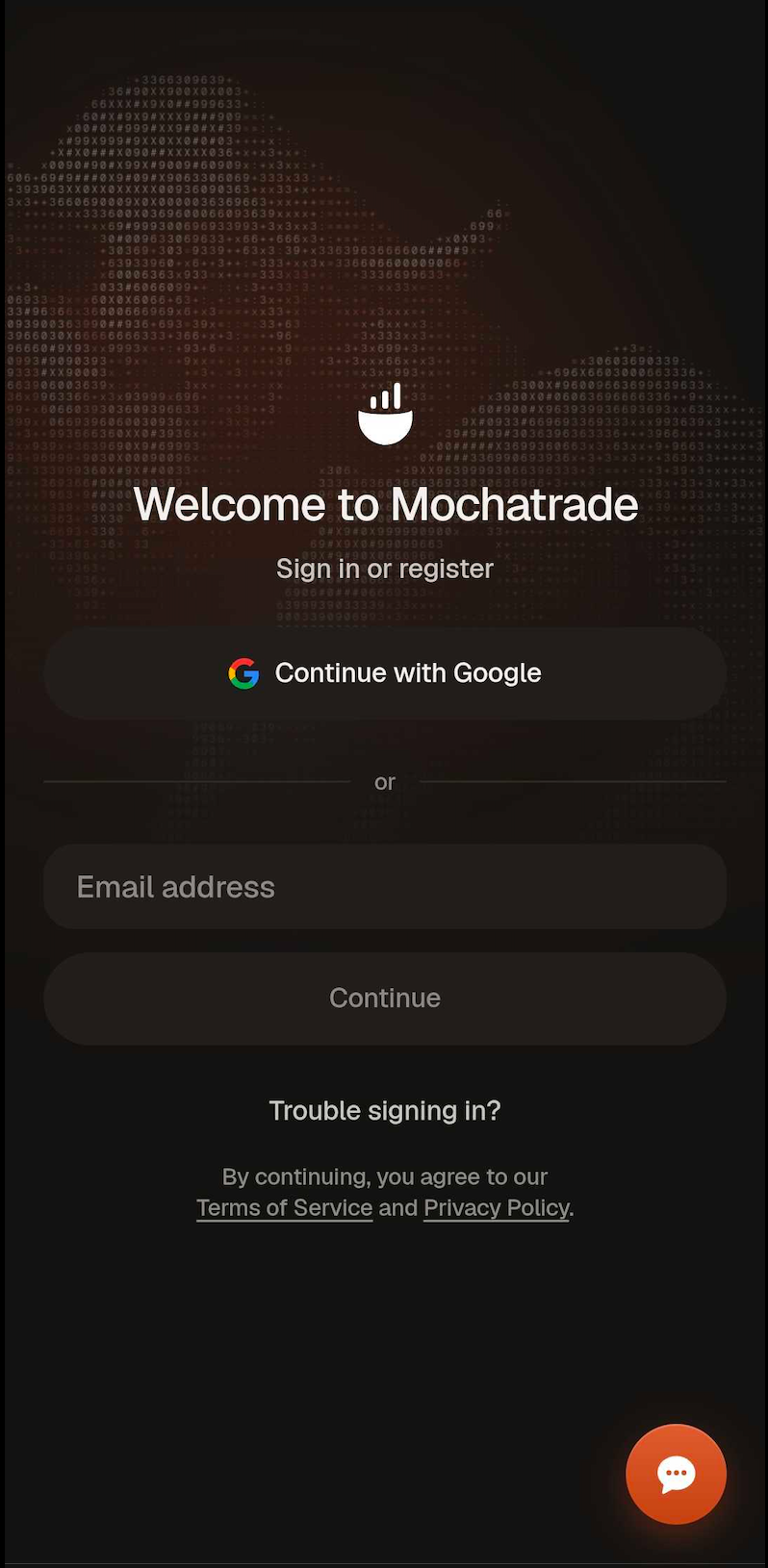
Download Mochatrade app from the Google Play Store / Apple App Store and open, or go to www.mochatrade.com.
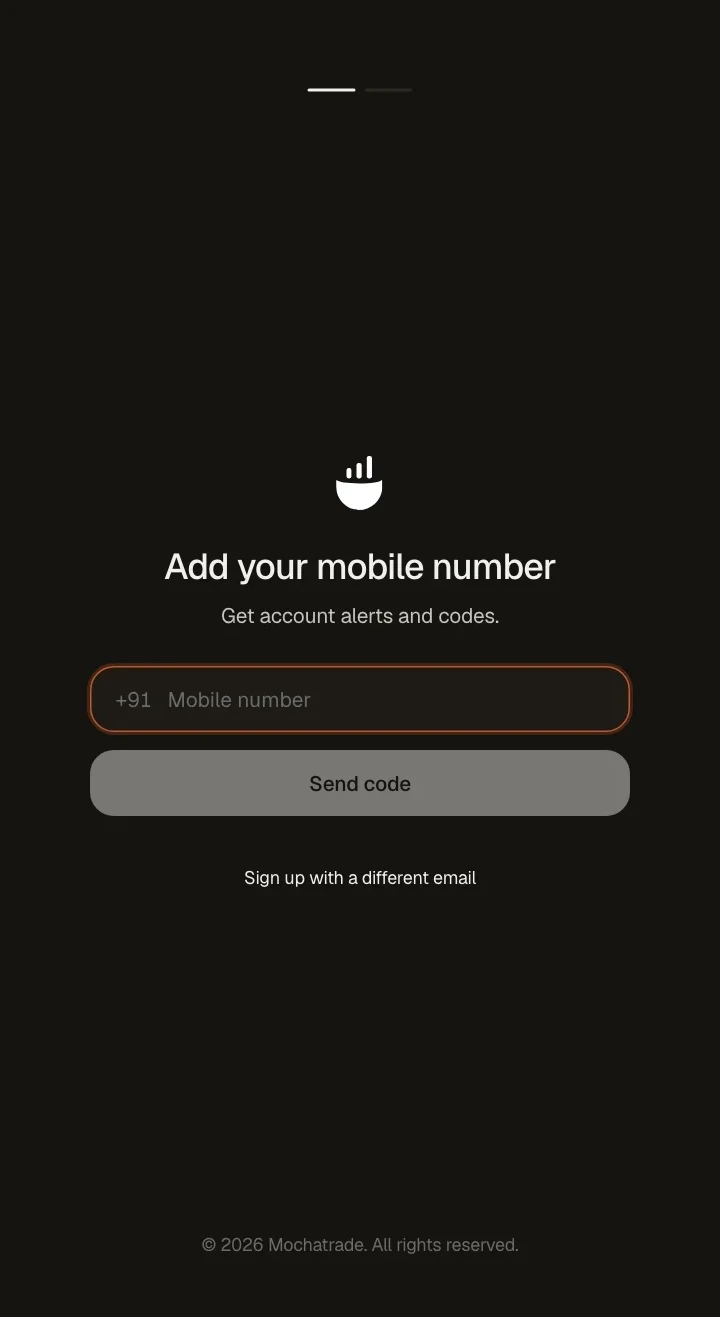
Enter your email address and mobile number.
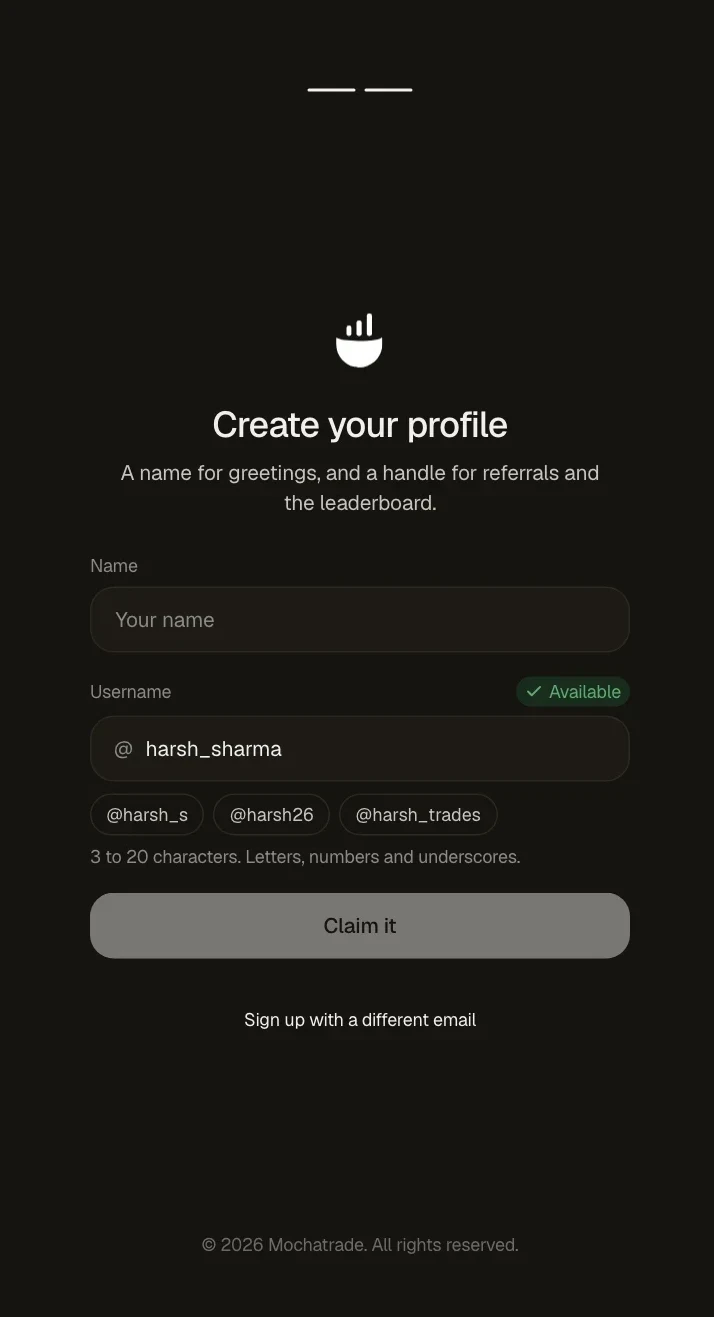
Enter the OTP you receive and set a PIN.
Continue to KYC when prompted.
\
Common Failures & Troubleshooting
OTP not received: Check your network signal and that the number or email is typed correctly, then tap Resend OTP.
Number or email already registered: You may already have an account. Try logging in or go to Trouble signing in.