Prerequisites & Limits
Monthly statements cover balances, trades, fees, funding and money in and out, one per month since you joined.
Tax P&L lists realised gains and losses with fees and funding, in rupees.
Custom date ranges and Excel export: [confirm].
Step-by-Step Navigation
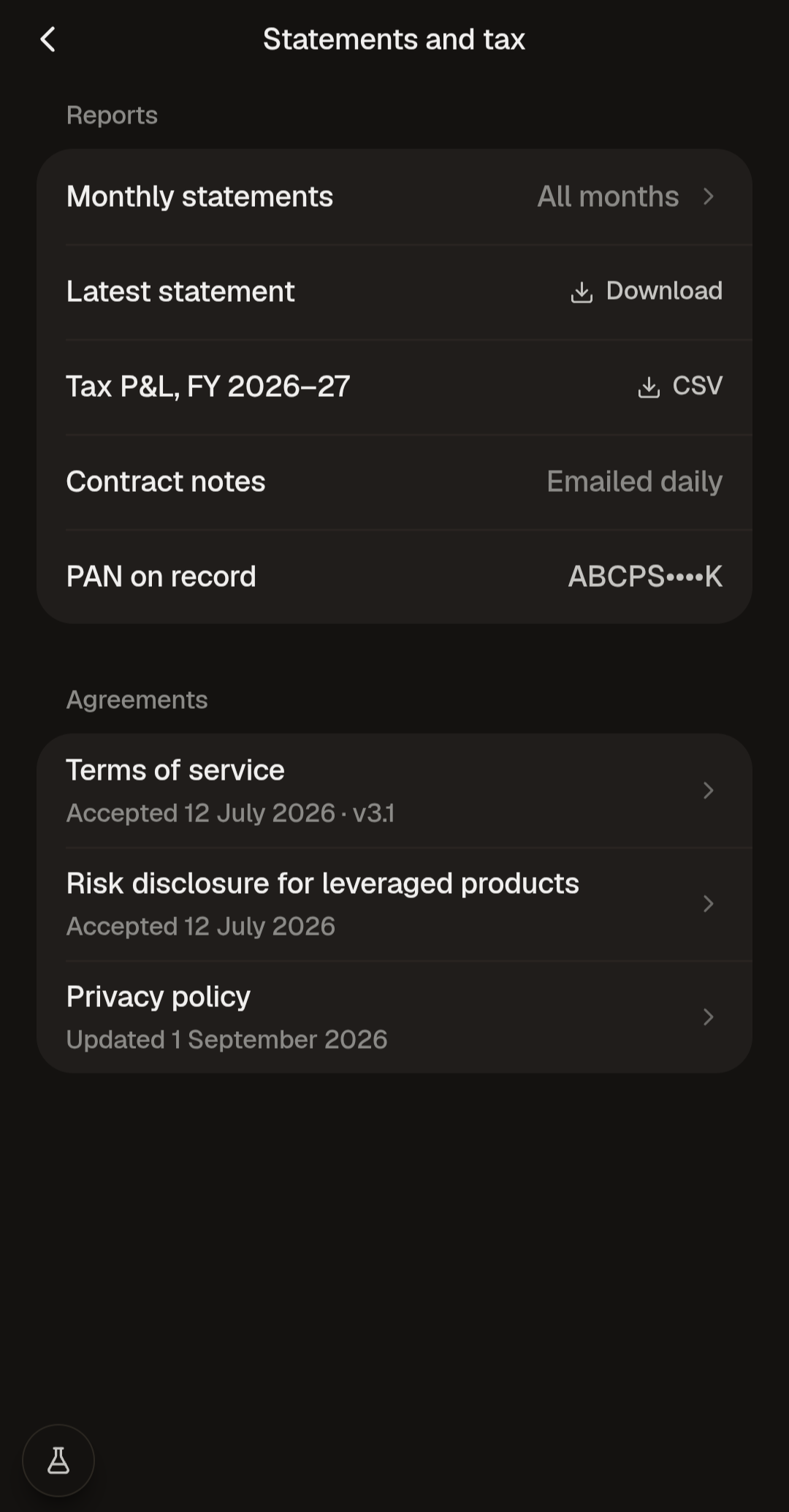
Sign in at mochatrade.com or download the app and open Settings → Statements and tax.
Under Monthly statements, click Latest or choose All months.
For tax, click CSV next to Tax P&L for the financial year.
Statements are sent to your email.
Common Failures & Troubleshooting
Numbers don't match the website: Statements cover whole months, and open positions aren't realised yet. Compare the same period. If it still differs, contact support with the numbers.
Statement not in my inbox: Check spam, and that your email is correct in Settings → Profile.